
How to report abusive and problematic content?
Learn how to report abusive or problematic content, comments, and chat messages in line with EU Digital Services Act requirements.
In this article, you will learn how to report content, comments and chat messages.
In accordance with the requirements of the EU Digital Services Act.
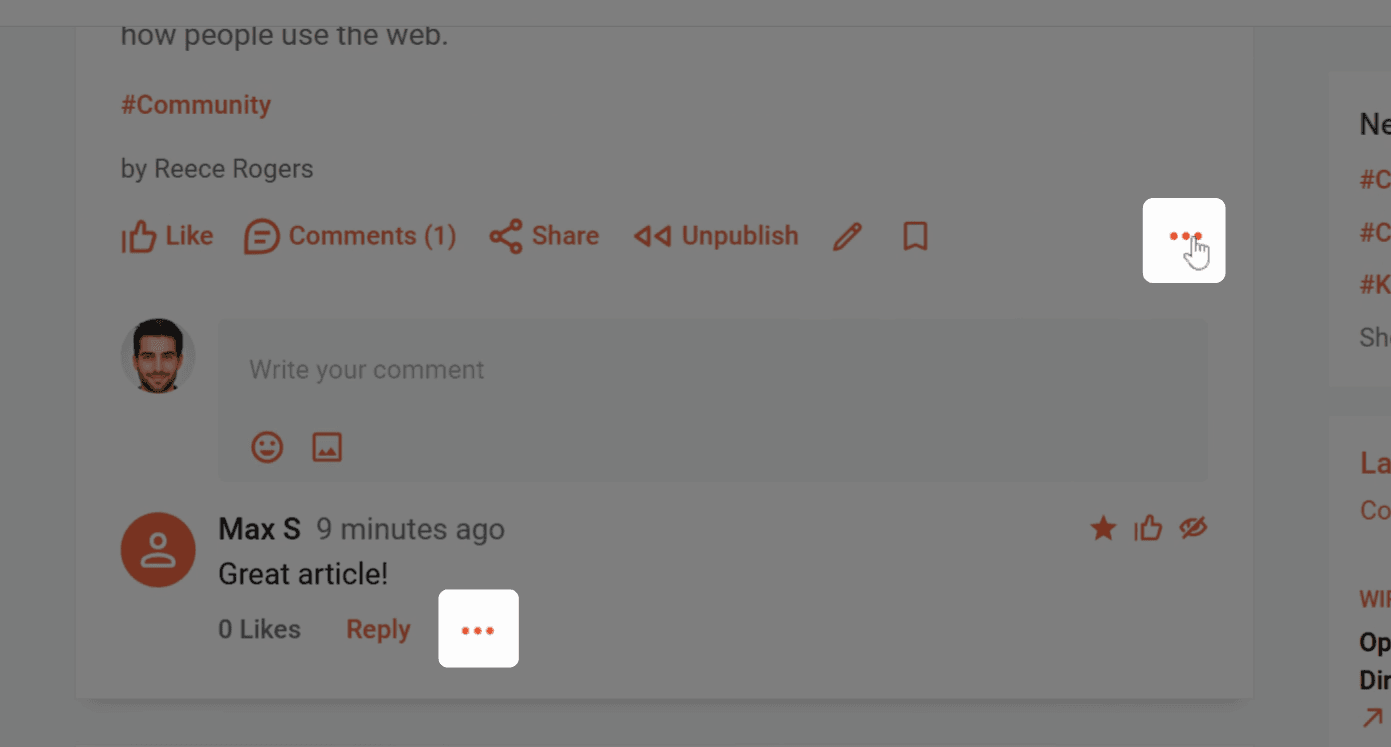
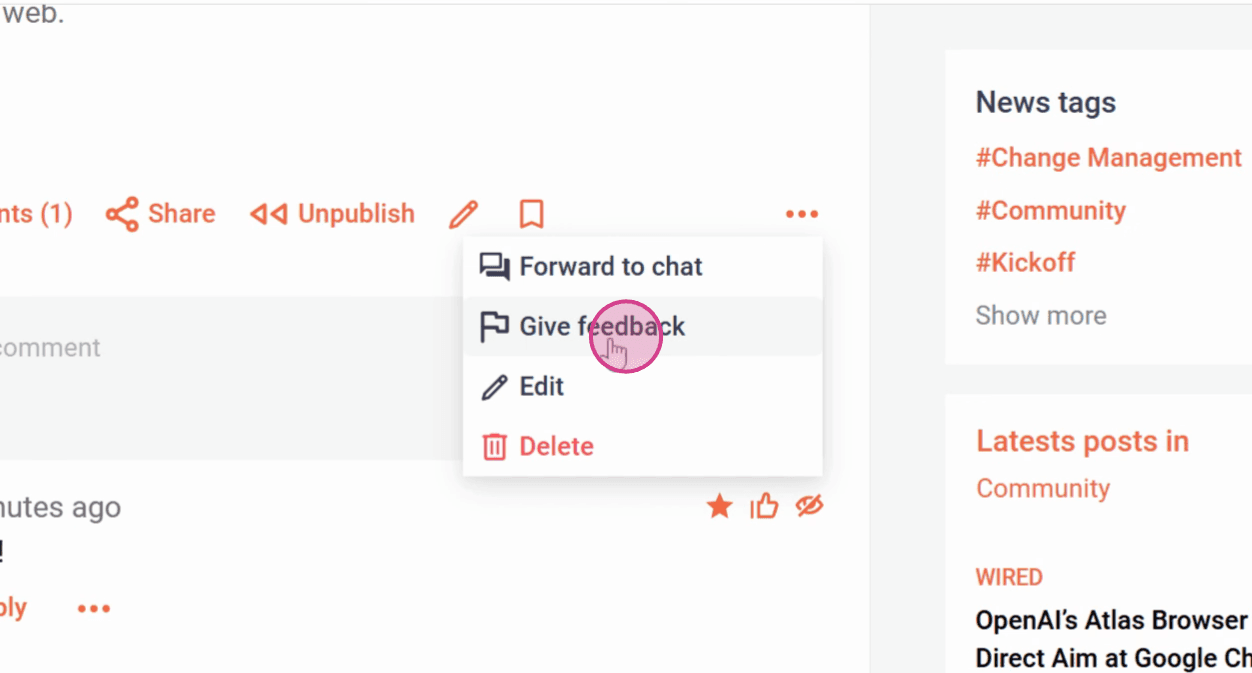
Step 1: Click on the three dots next to the content, comment, or chat message you want to report. Then select Give feedback from the menu.
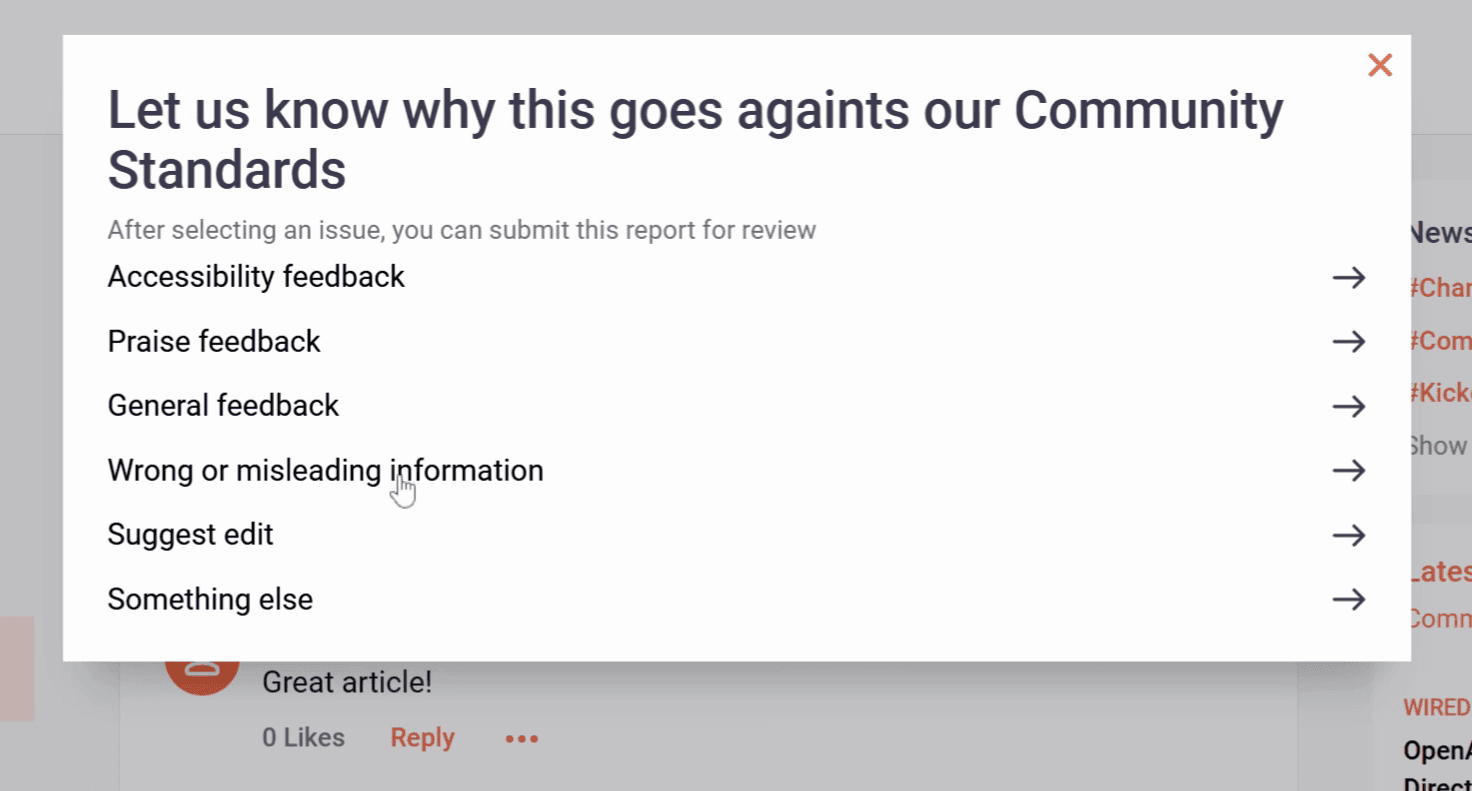
Step 2: Pick the right feedback category from the list.
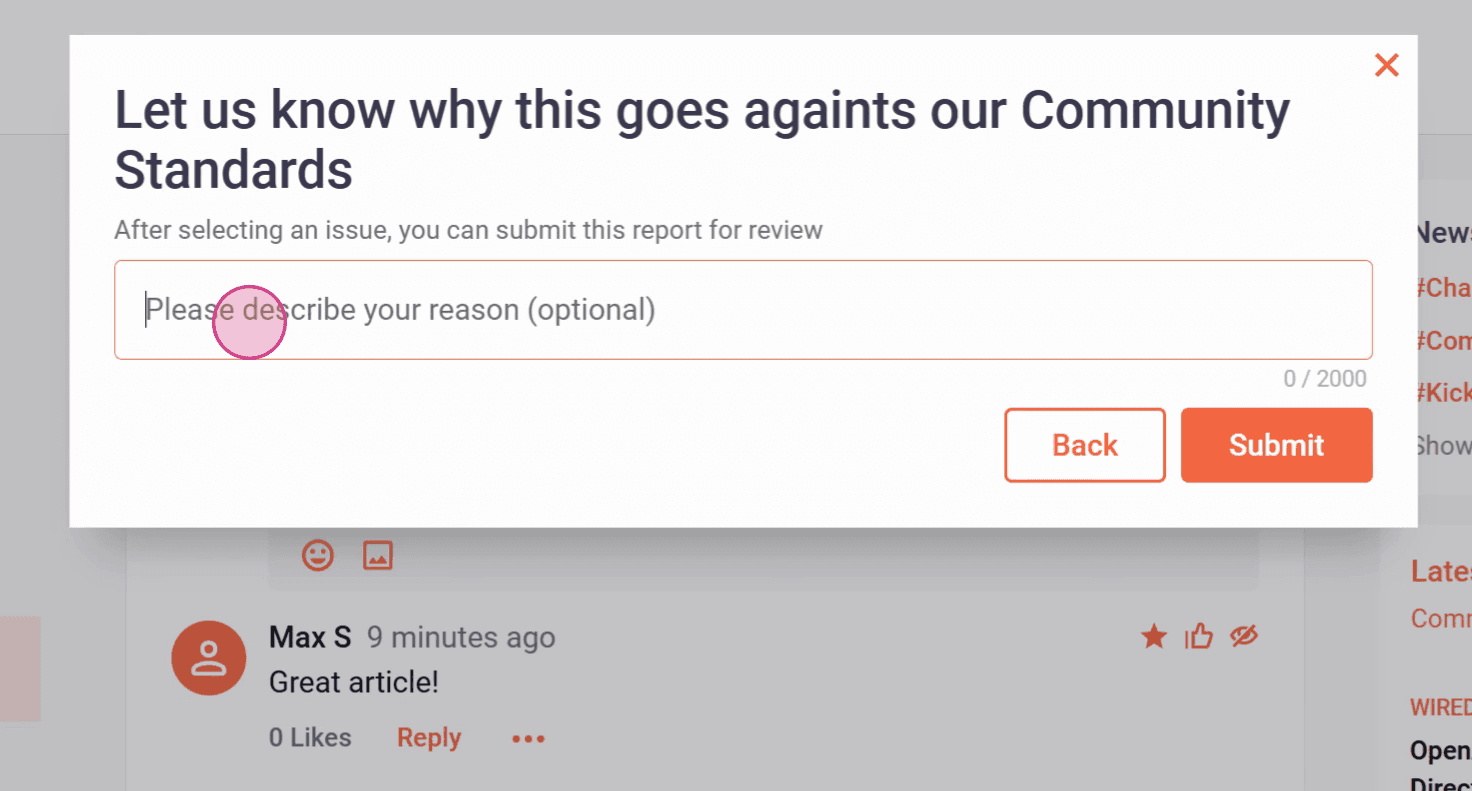
Step 3: You will then have the opportunity to describe the problem in more detail.
Then click on Submit.
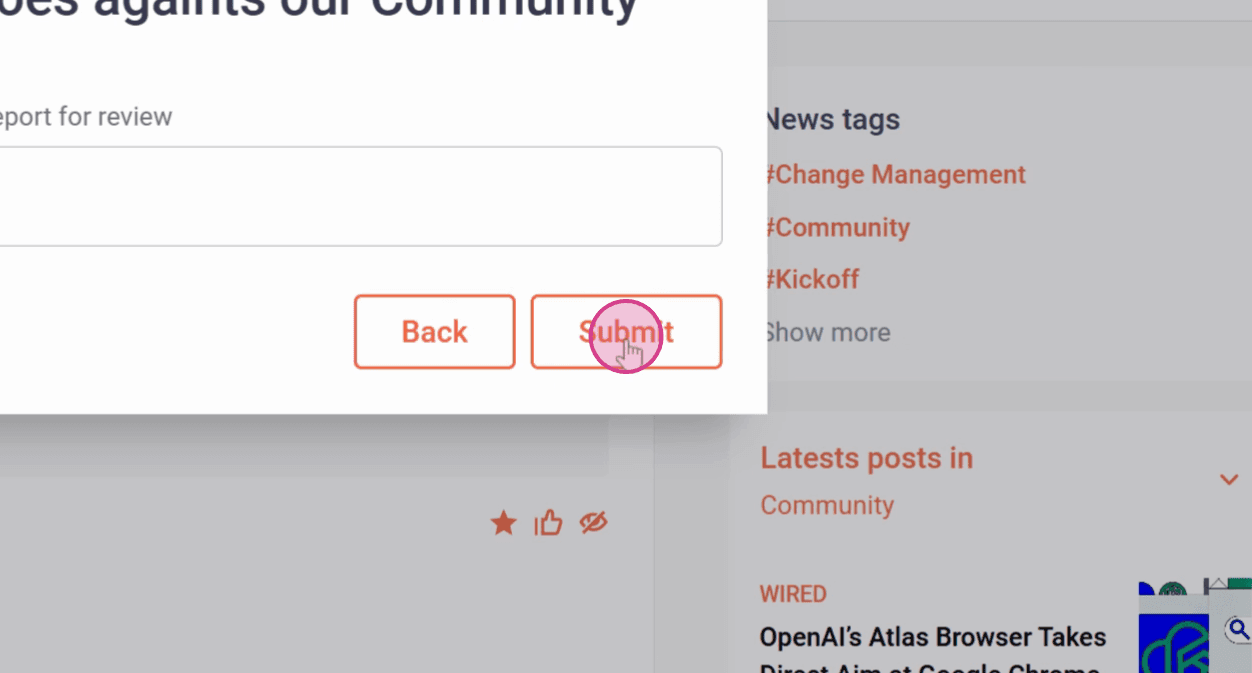
The feedback is now automatically sent to a predefined email address to be reviewed.
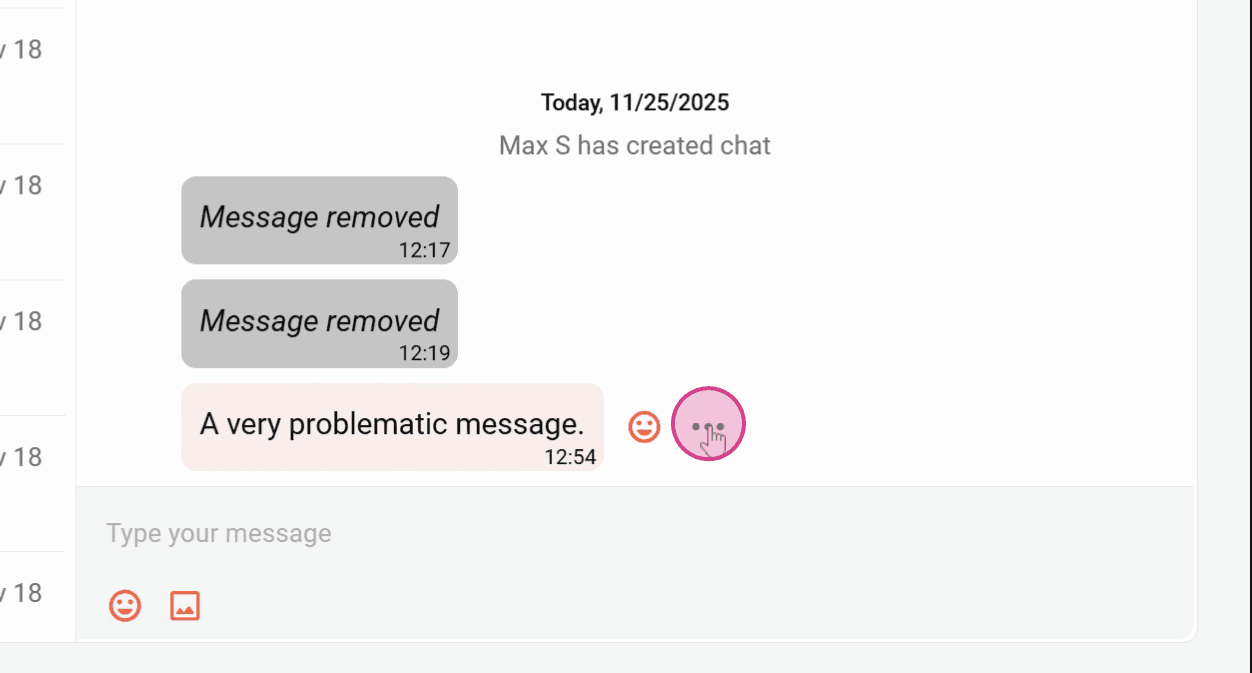
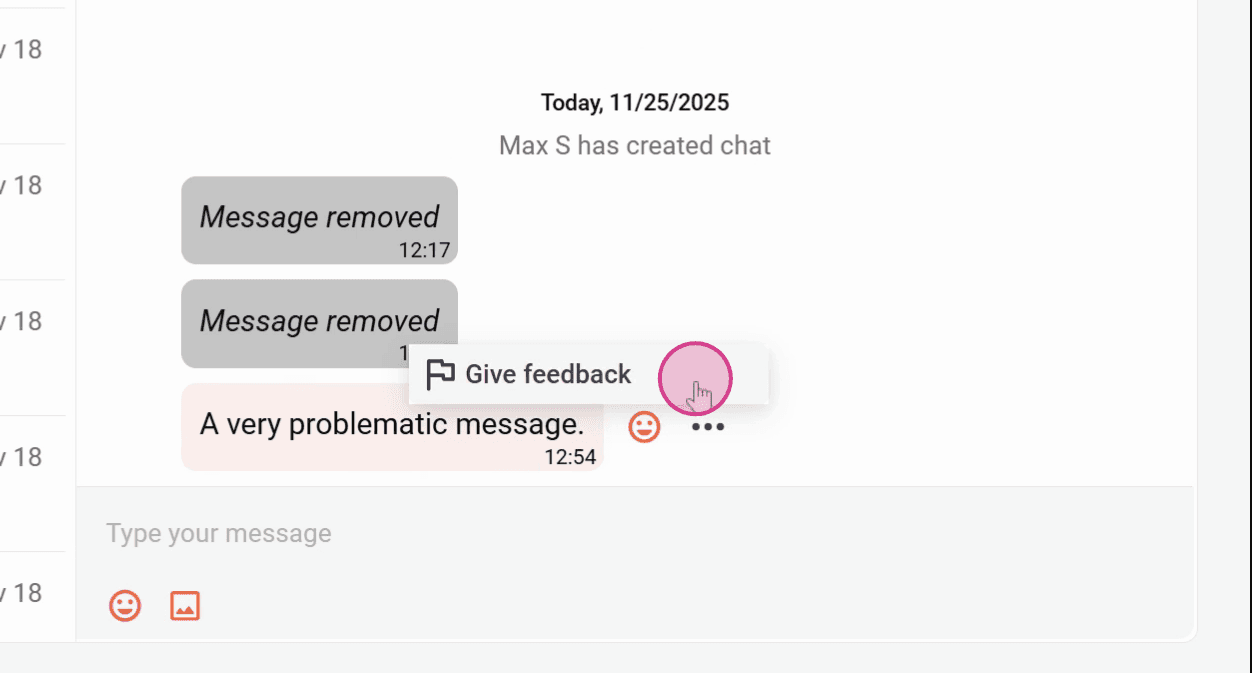
Chat messages can be reported in the same way.
Step 1: Navigate to the message you want to report.
Step 2: Click on the three dots next to the message. Then click Give feedback.
Now you know how to report content, comments and chat messages.
Related articles