
How to create your first mix?
Learn how to create your first mix, set it up, publish it, and use mixes to structure content and posts in your app.
In this article, you'll learn how to create a mix.
Mixes are the core element for structuring your community. Think of a mix as a kind of category or section in which content and posts are organized. Every single post must be part of a mix.
Mixes can be dynamic, such as a news feed on a specific topic, or static with content that does not change much.
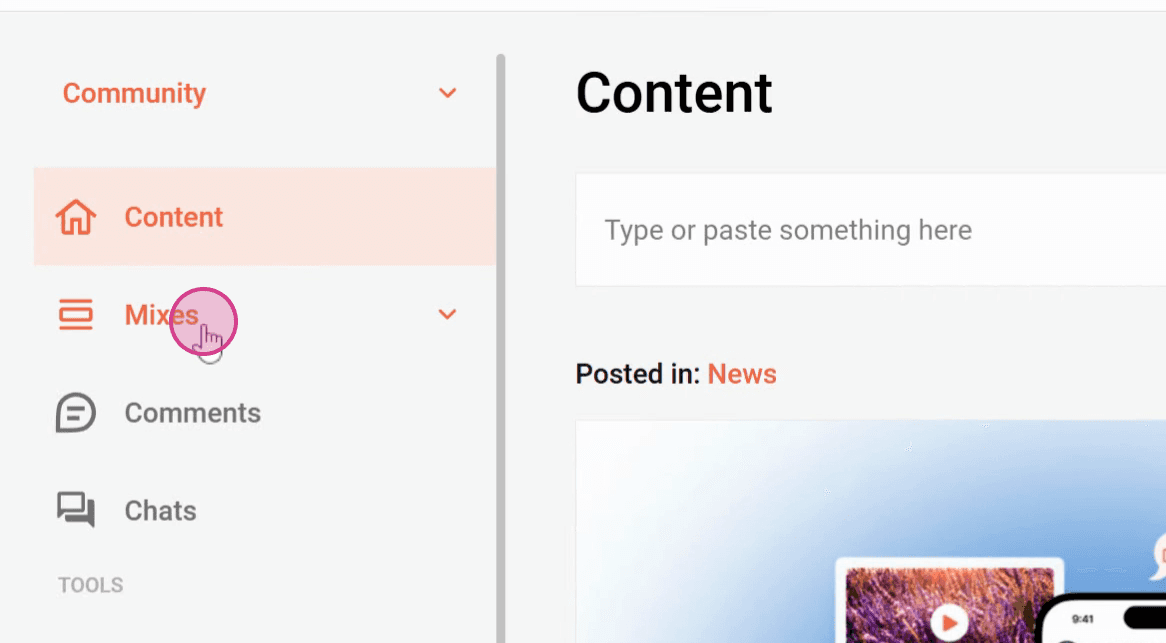
Step 1: Go to Mixes on the left side of the Admin Dashboard.
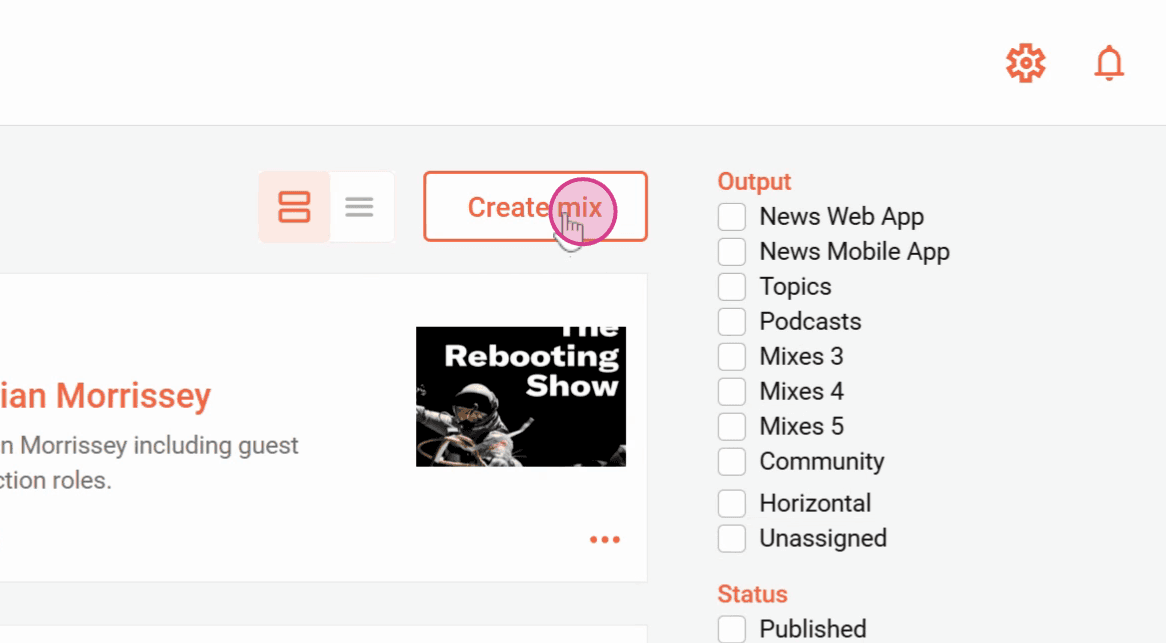
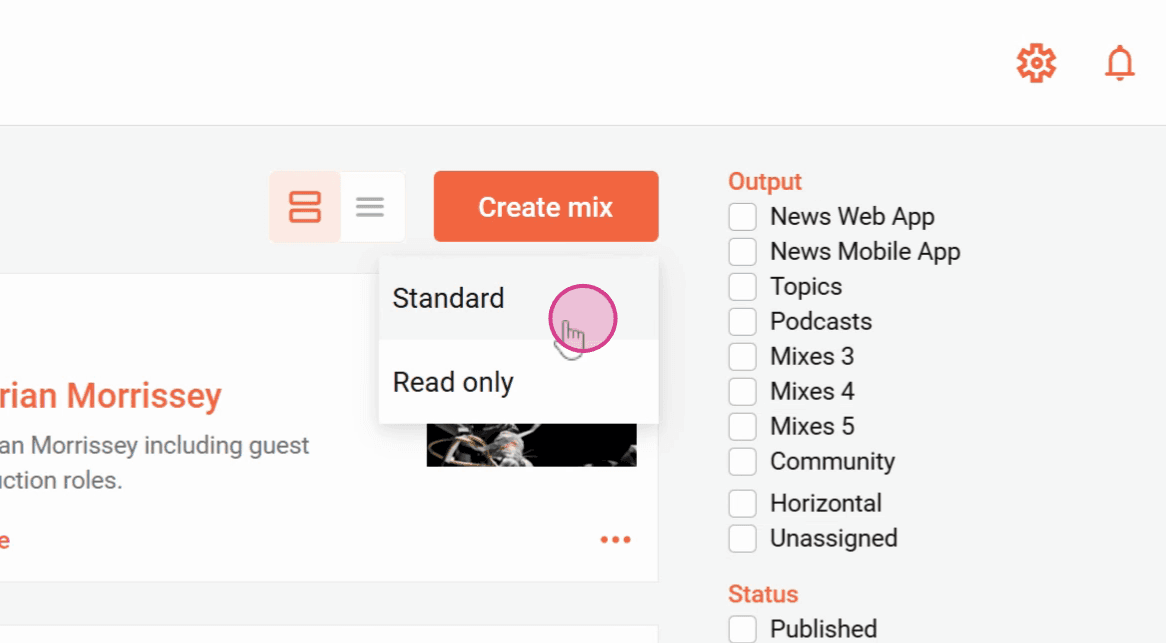
Step 2: Click Create mix at the top.
Step 3: Choose between Standard to create a normal mix.
With Read only, you can synchronize a mix from another channel in your organization.
Step 4: Now select the cover image for the mix, either via a URL or by uploading a file, and select the title and intro text for the mix.
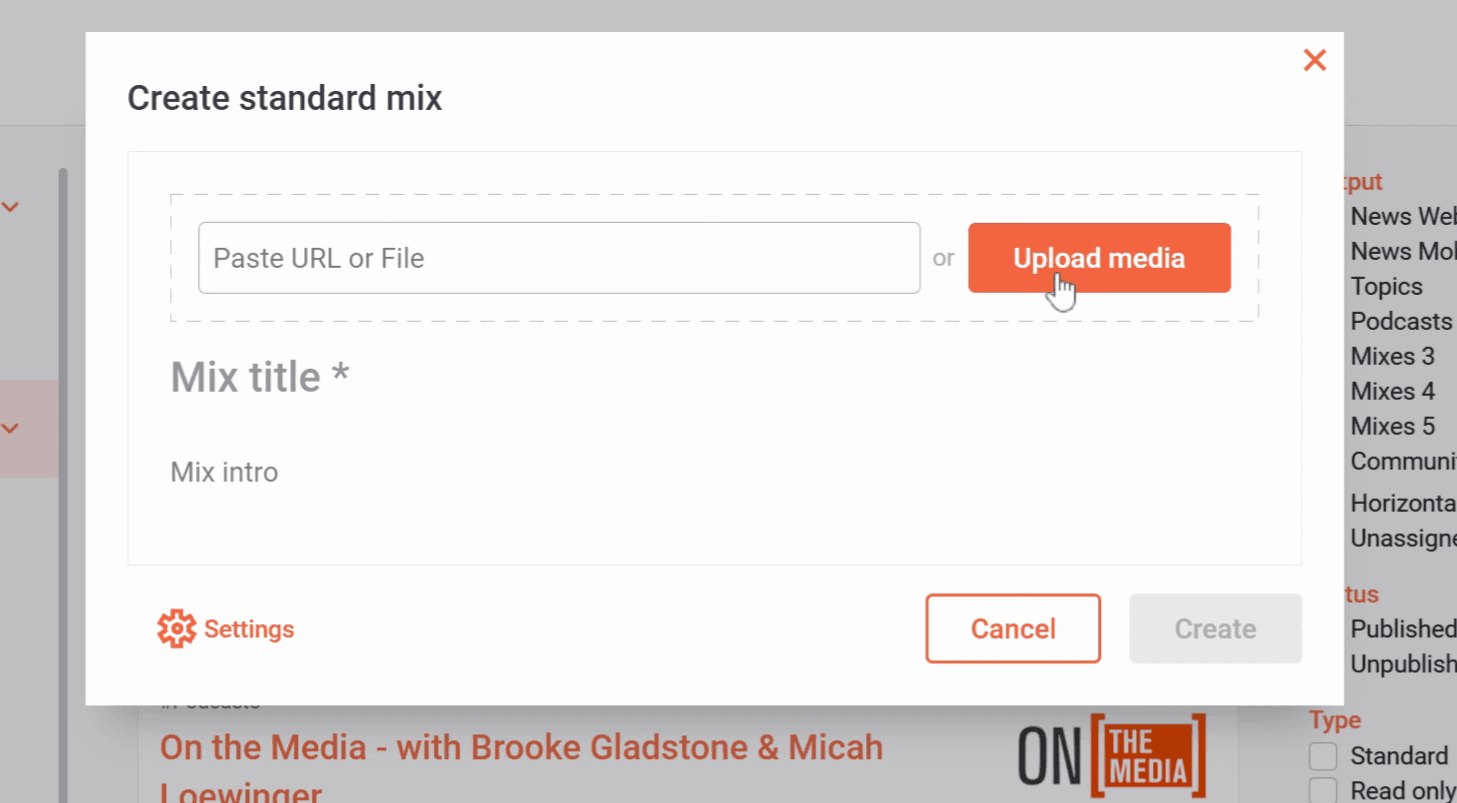
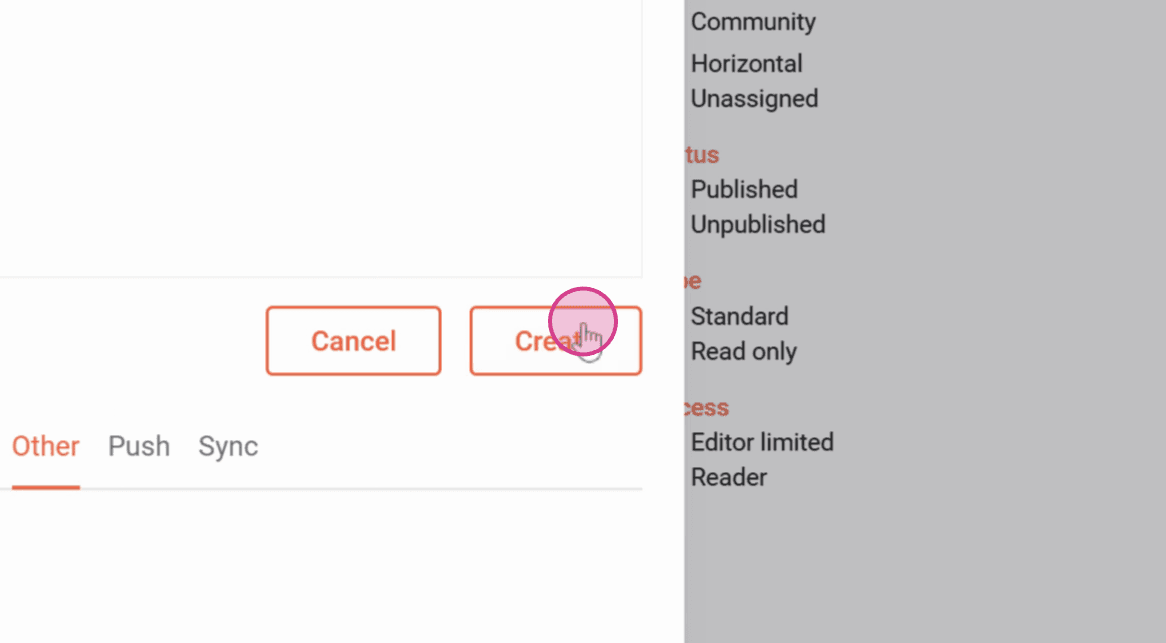
Step 5: You can now click Create to create the mix.
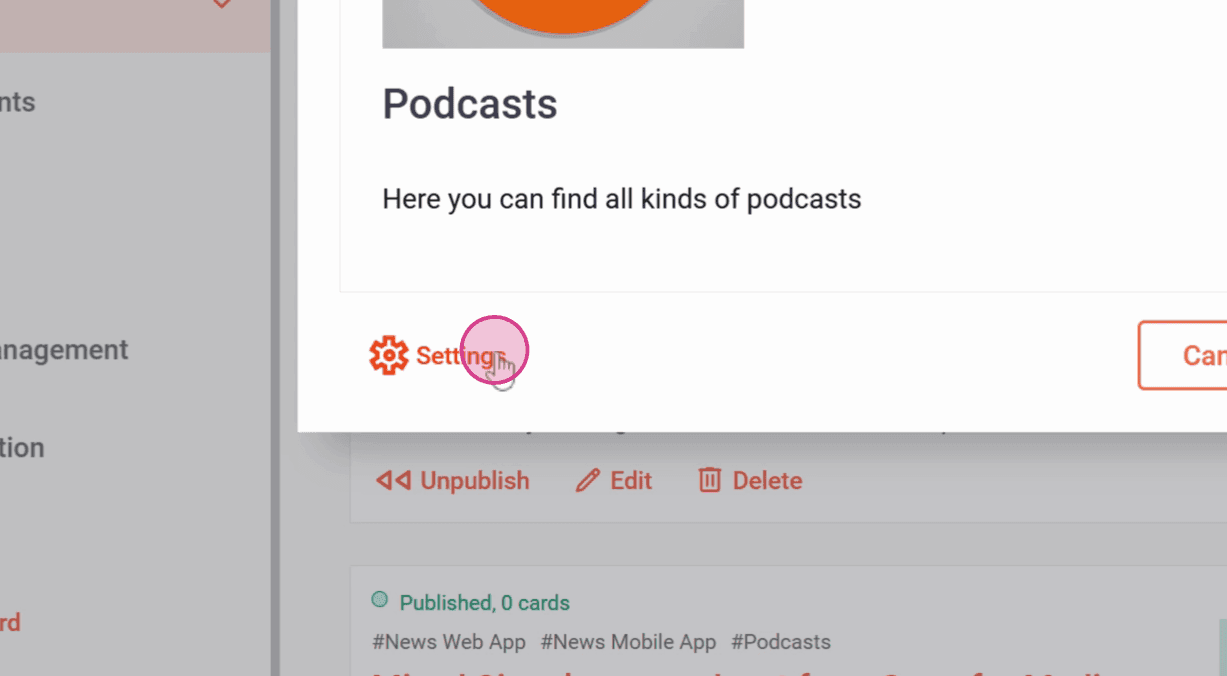
You can make further adjustments under Settings. For example, where the mix should be displayed, whether comments or reactions are allowed in the mix, who is allowed to post, and much more.
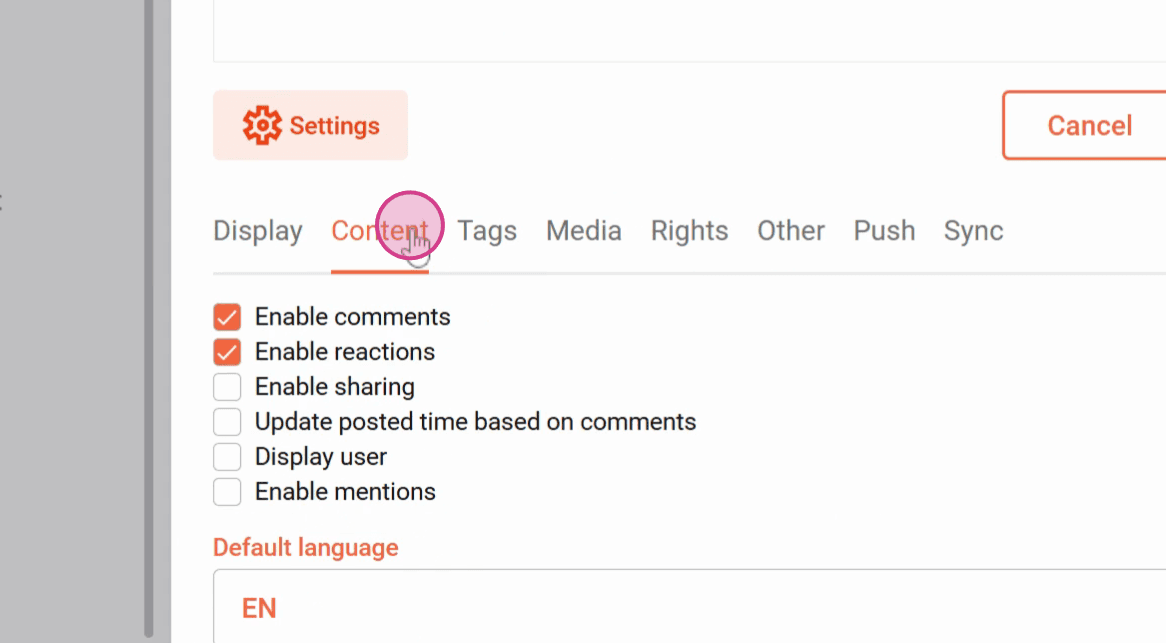
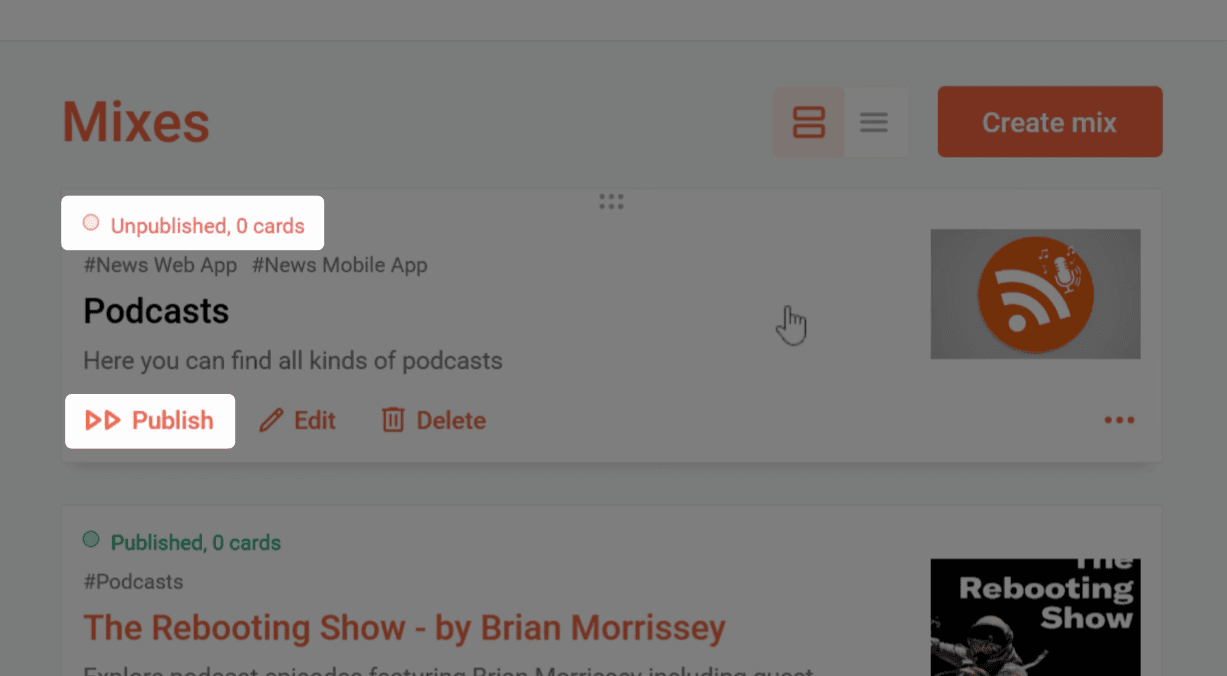
Step 6: Press Create. Note that the mix will initially be unpublished.
Click Publish to make the mix visible to everyone.
You can now fill the mix with content.
Now you know how to create a mix.
Related articles