
How can I create a new channel within my organisation?
Learn how organisation admins can create a new channel, set the name and subdomain, and organise communication.
Setting up a new channel helps your organization organize communication, projects, or content effectively. Only users with organization admin rights can create new channels, so make sure you have the necessary permissions before you start.
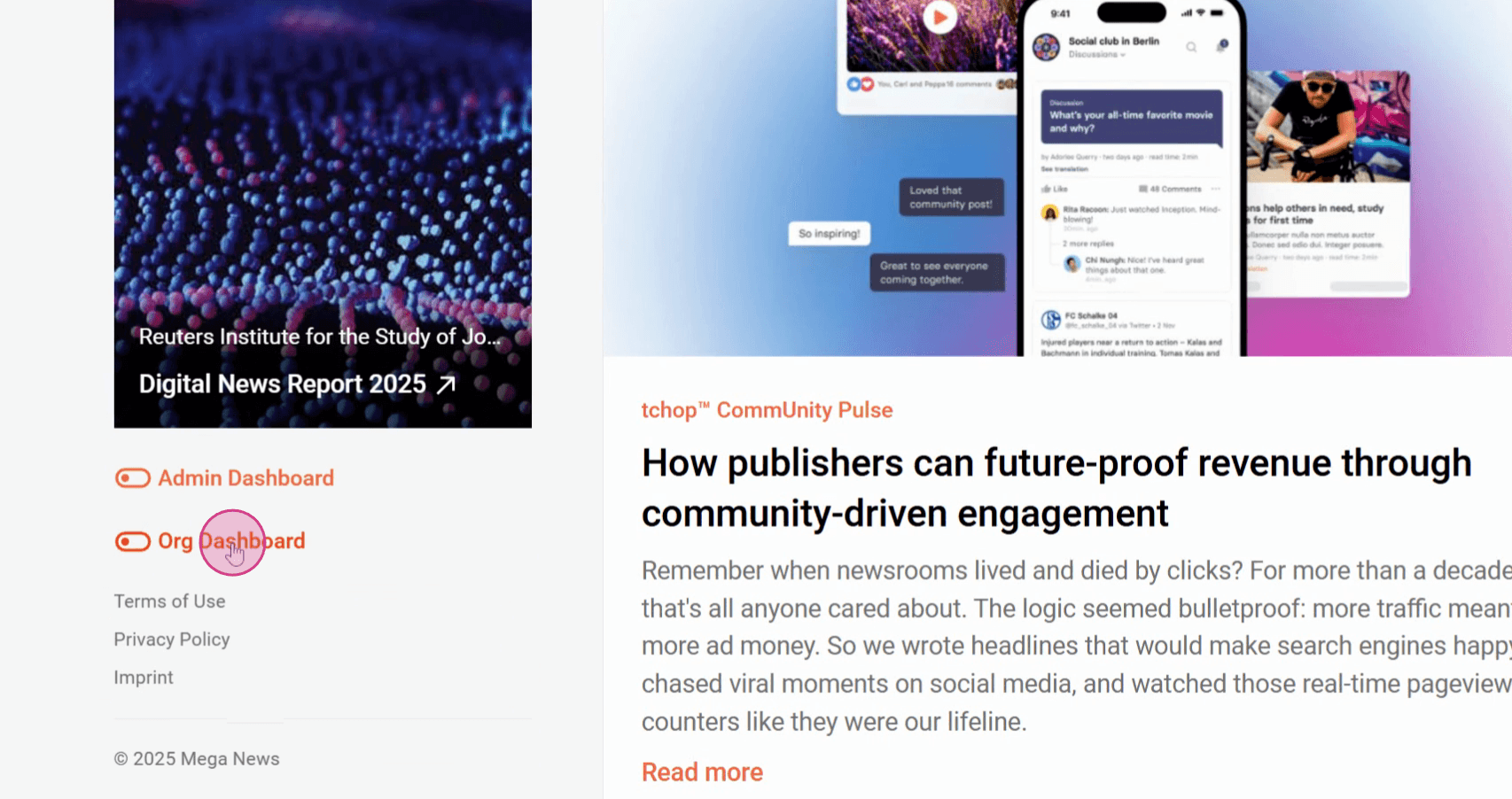
Step 1: Go to the Organization Dashboard.
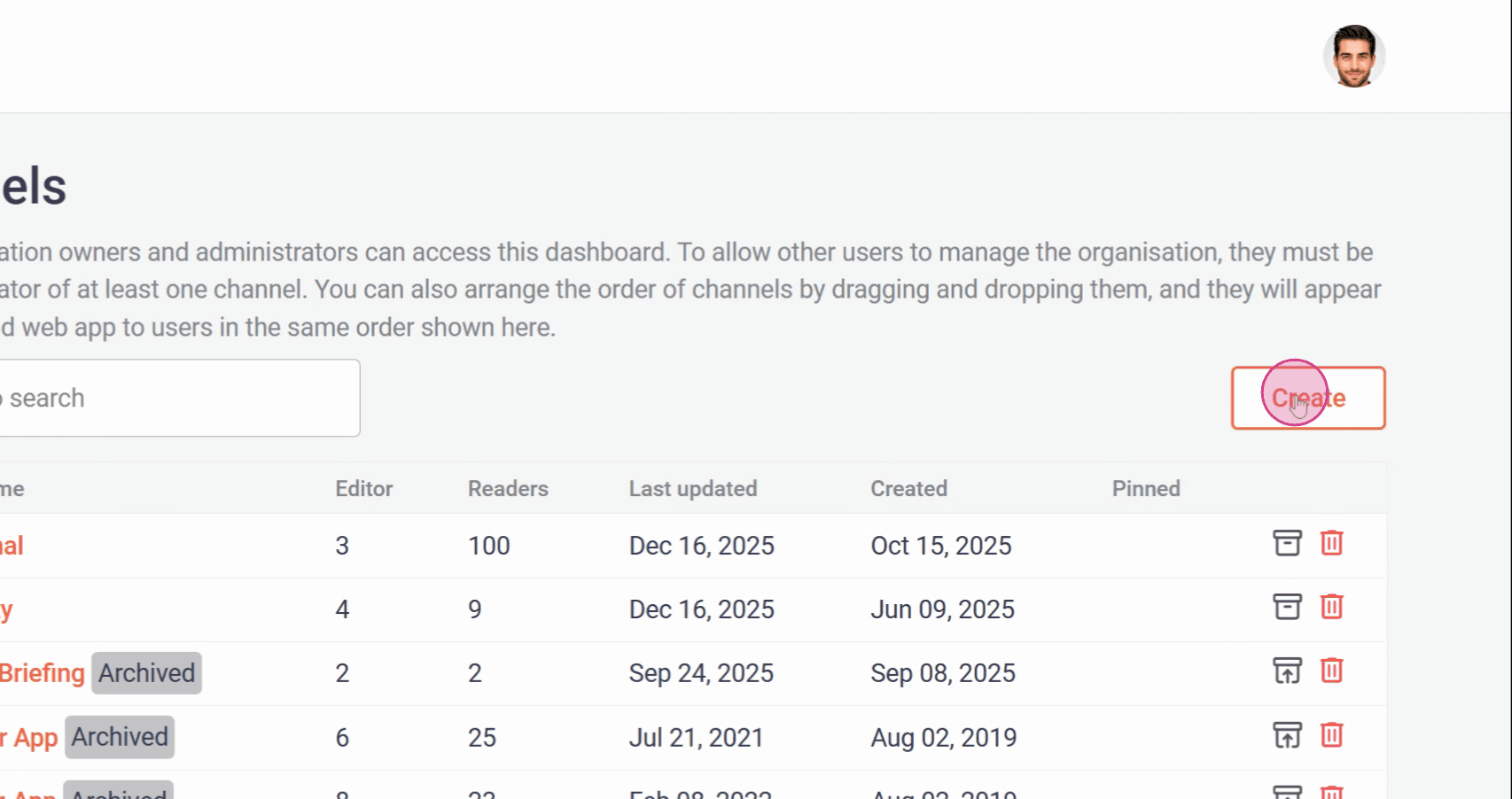
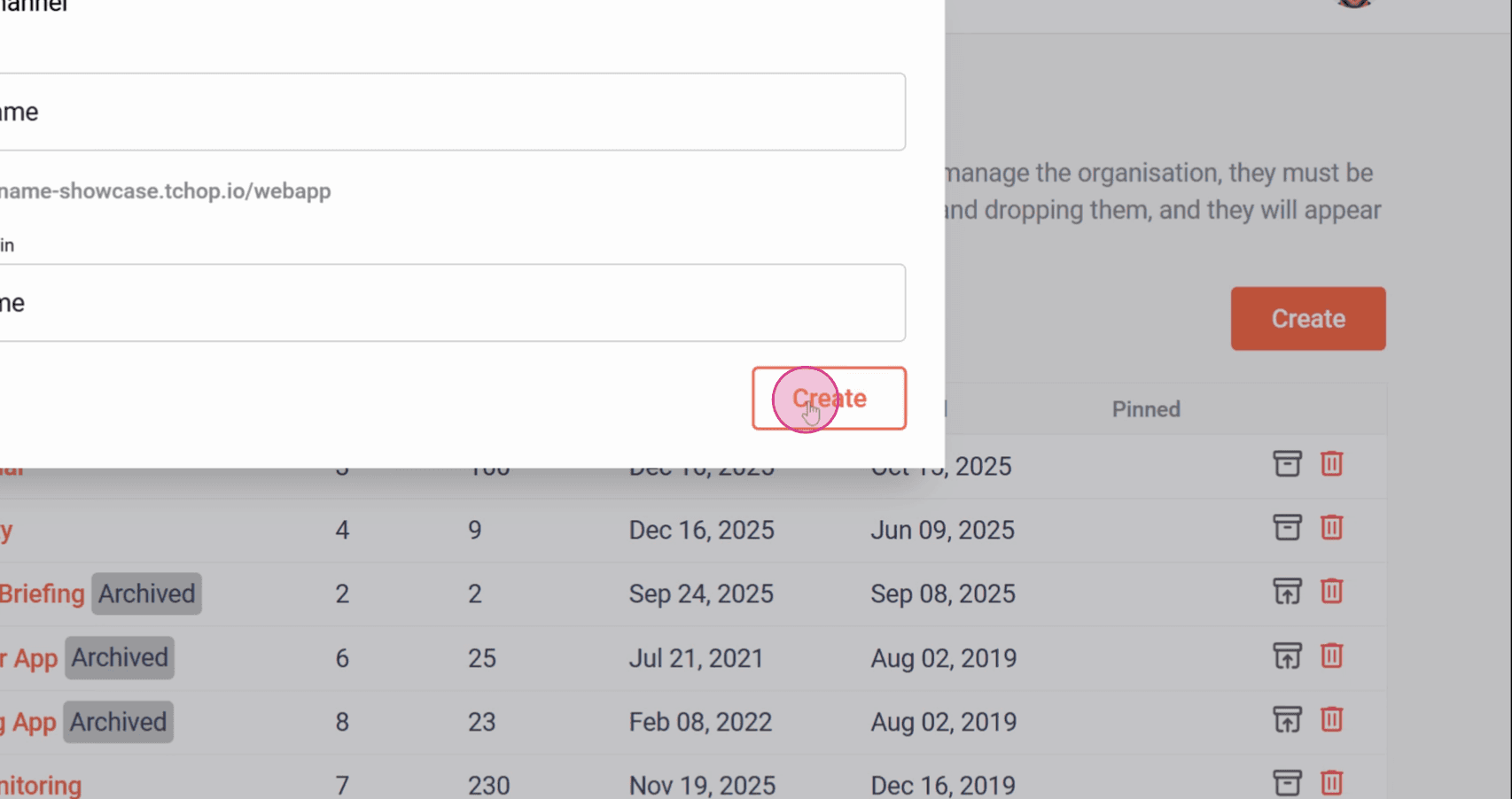
Step 2: Select the Channel tab. Click Create.
Step 3: Enter the channel name in the provided field. The channel name must be at least 3 characters and no more than 24 characters. Edit the subdomain by clicking the pencil icon if you want to customize it—the subdomain must be unique and no more than 24 characters.
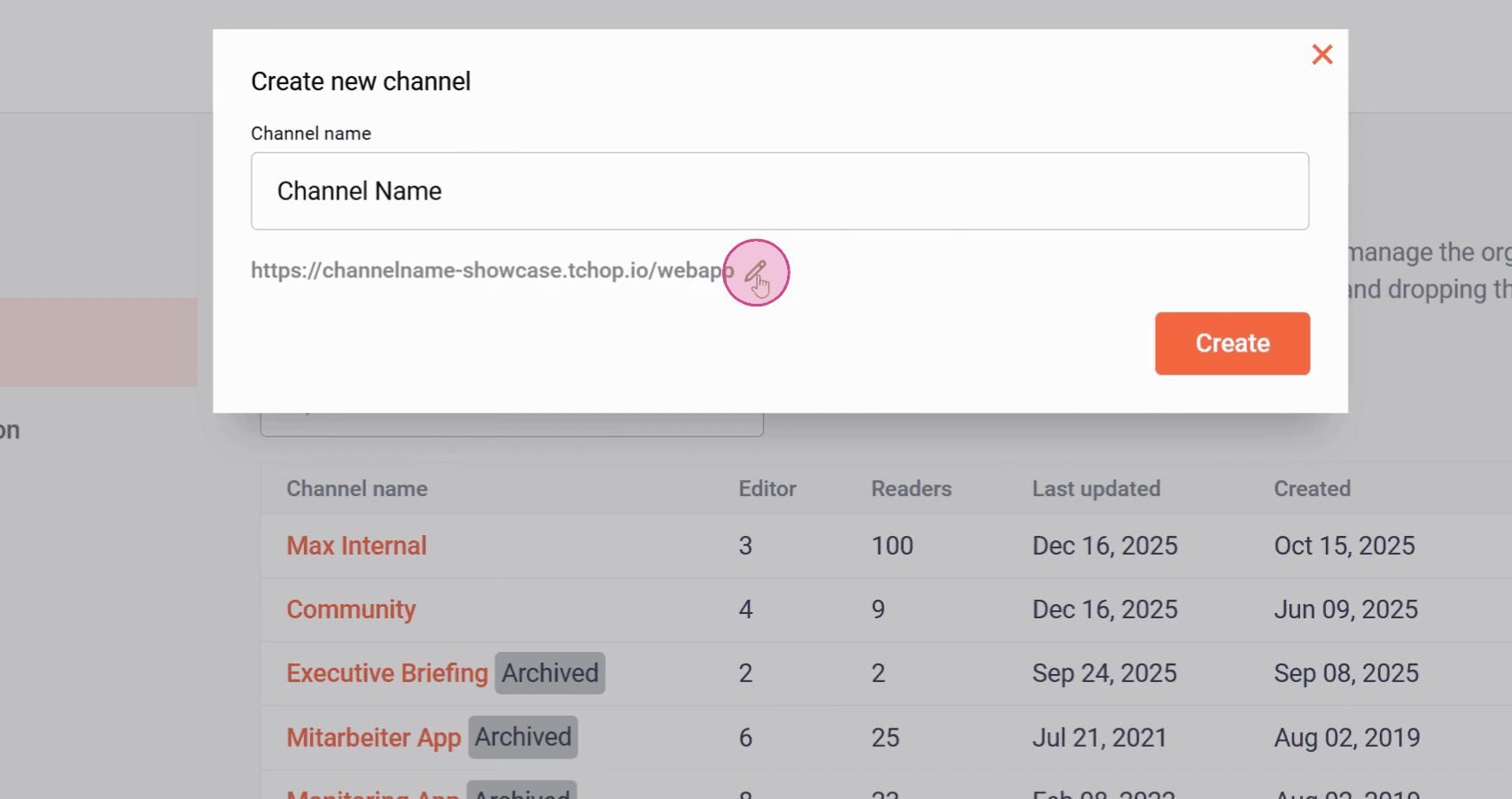
Step 4: Click Create to finish setting up your channel.
Your new channel is ready! Use it to streamline communication and collaboration within your organization.
Related articles